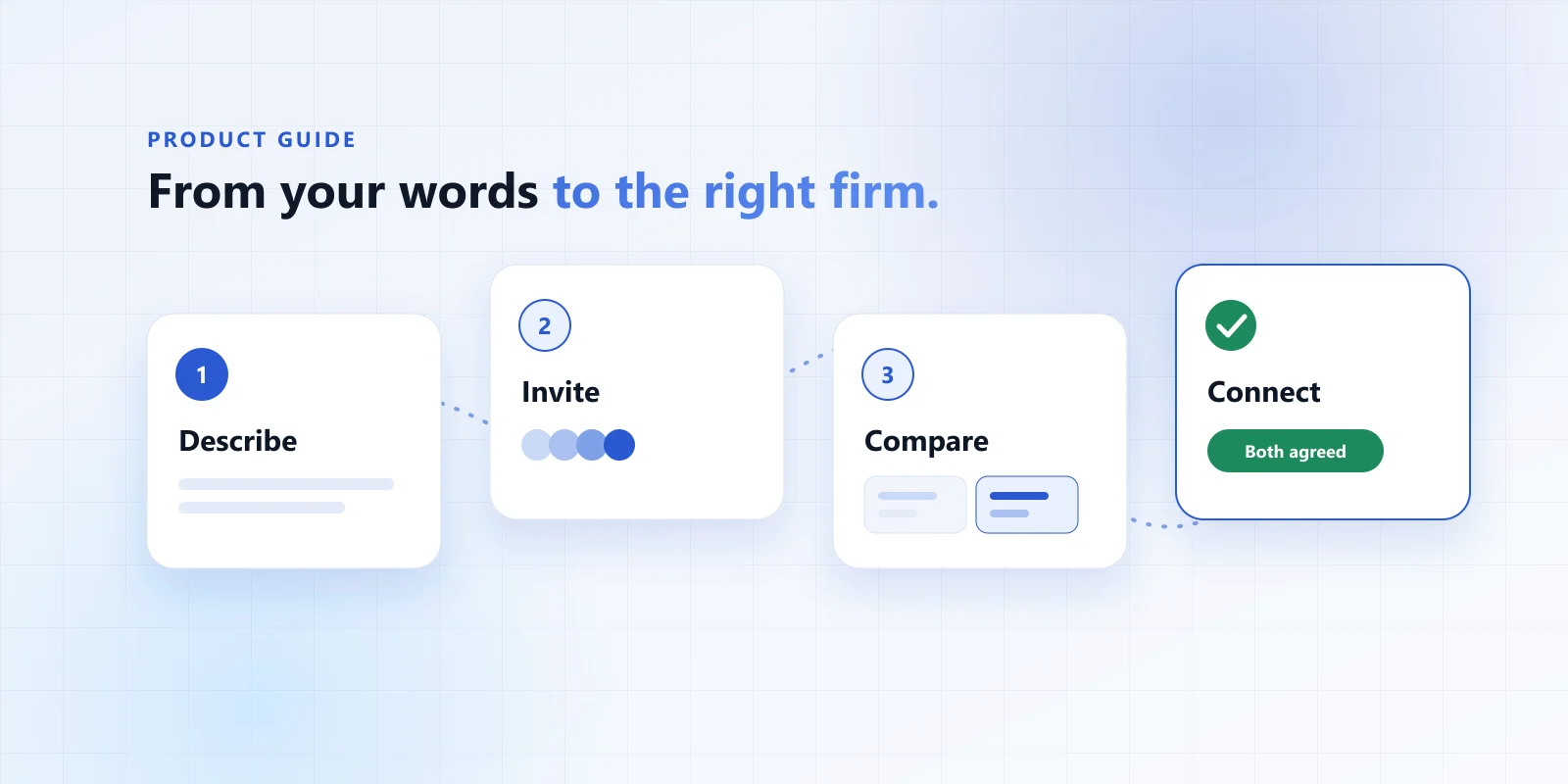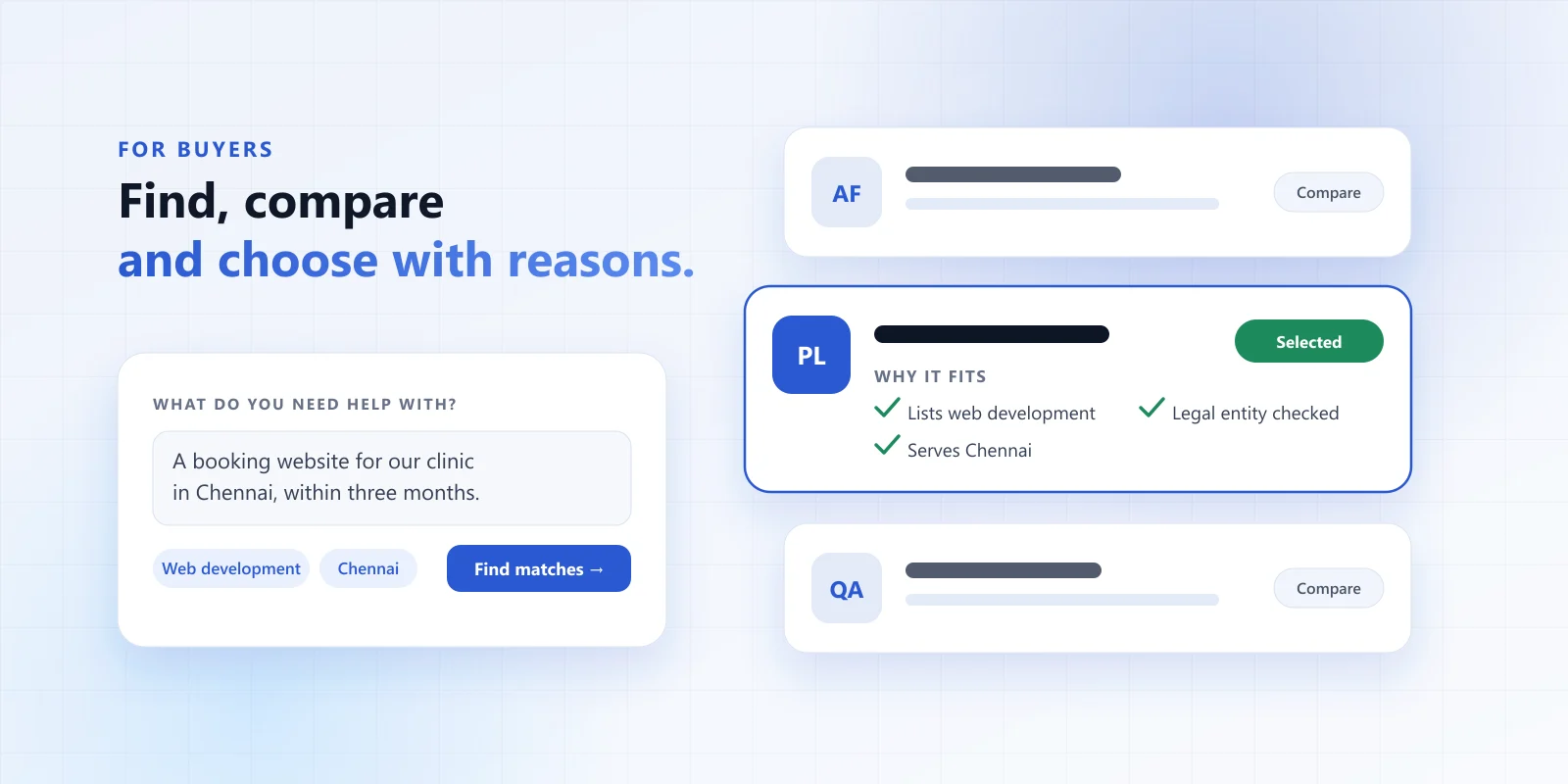
Firmaze brings you buyers who have already said what they need, and lets your fit do the selling. There are no paid positions in the results and no cold lists of contacts. This guide covers everything from your first listing to the moment a buyer selects you.
1. Create your free listing
A basic listing takes about five minutes and costs nothing. You do not need documents, credentials or a polished portfolio to start — just the firm’s name, a category, your main services, where you work and a short description. You publish only when you are ready.
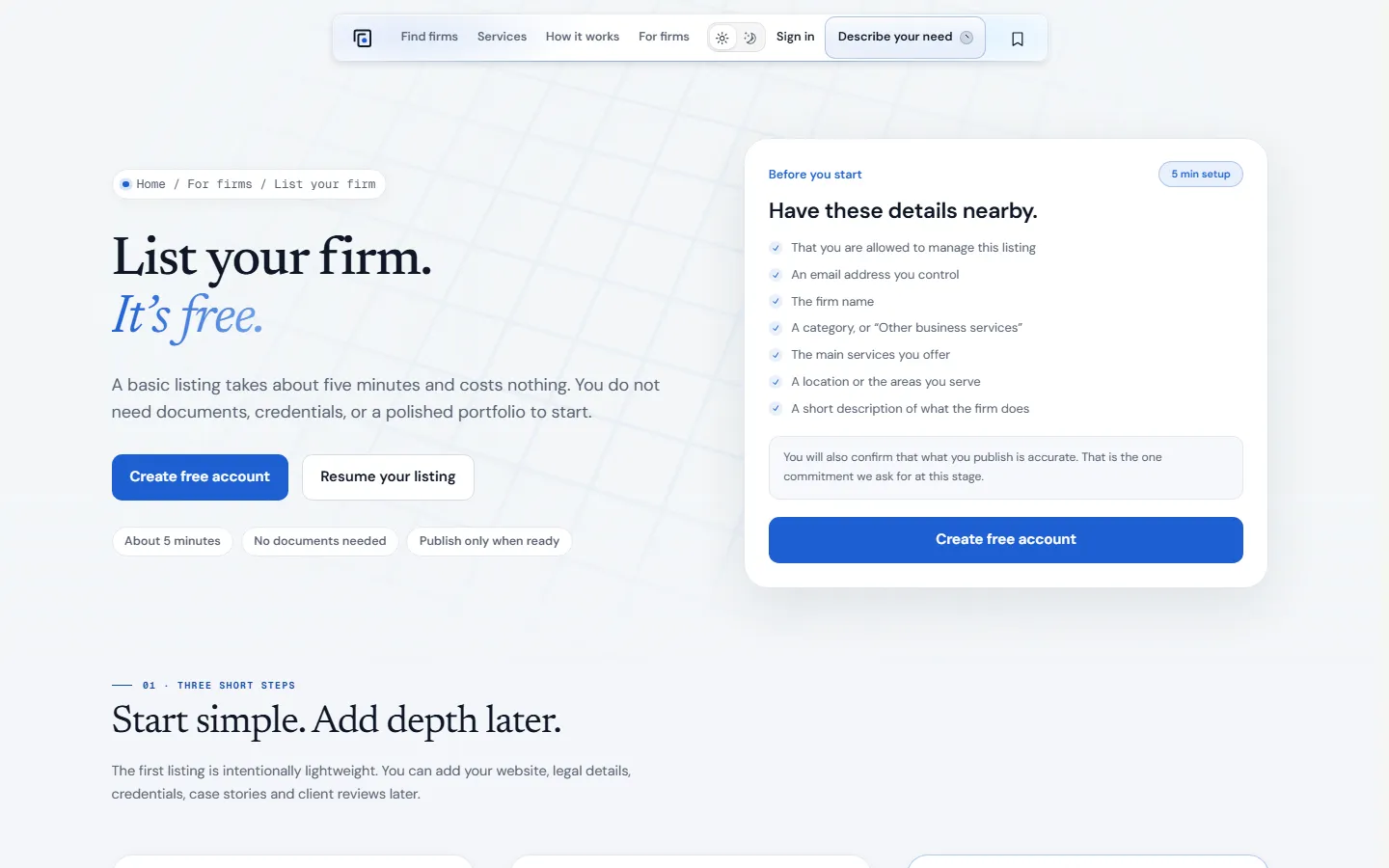
The one commitment we ask for at this stage: confirm that what you publish is accurate.
2. Make your listing easy to choose
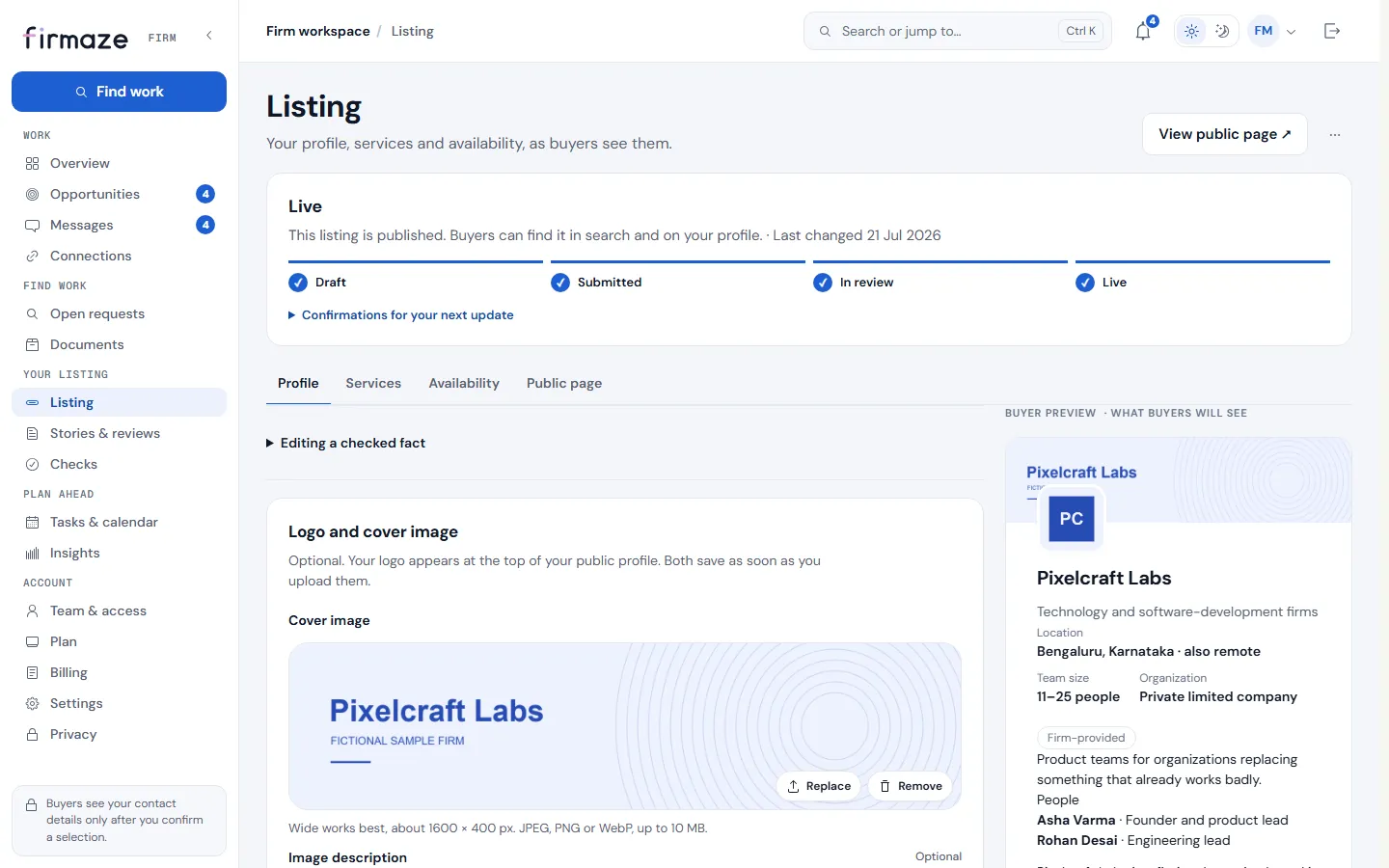
Buyers compare firms on what they can see. Your listing editor shows a buyer preview beside every section, so you see your profile the way a buyer will.
- Lead with the outcome. Say what clients get, not only what you are.
- List the services you really want to be matched for. Matching reads them literally.
- Name the places you serve, and whether you work remotely.
- Add a logo and cover image so your card is recognisable in the directory.
- Publish case stories and invite client reviews once you have a few connections behind you.
3. Complete the free marketplace check
The marketplace check confirms that your organisation exists and that you may act for it. It says nothing about quality — and it is what lets you send proposals and confirm a buyer’s selection. You can be invited and ask questions before it is done.
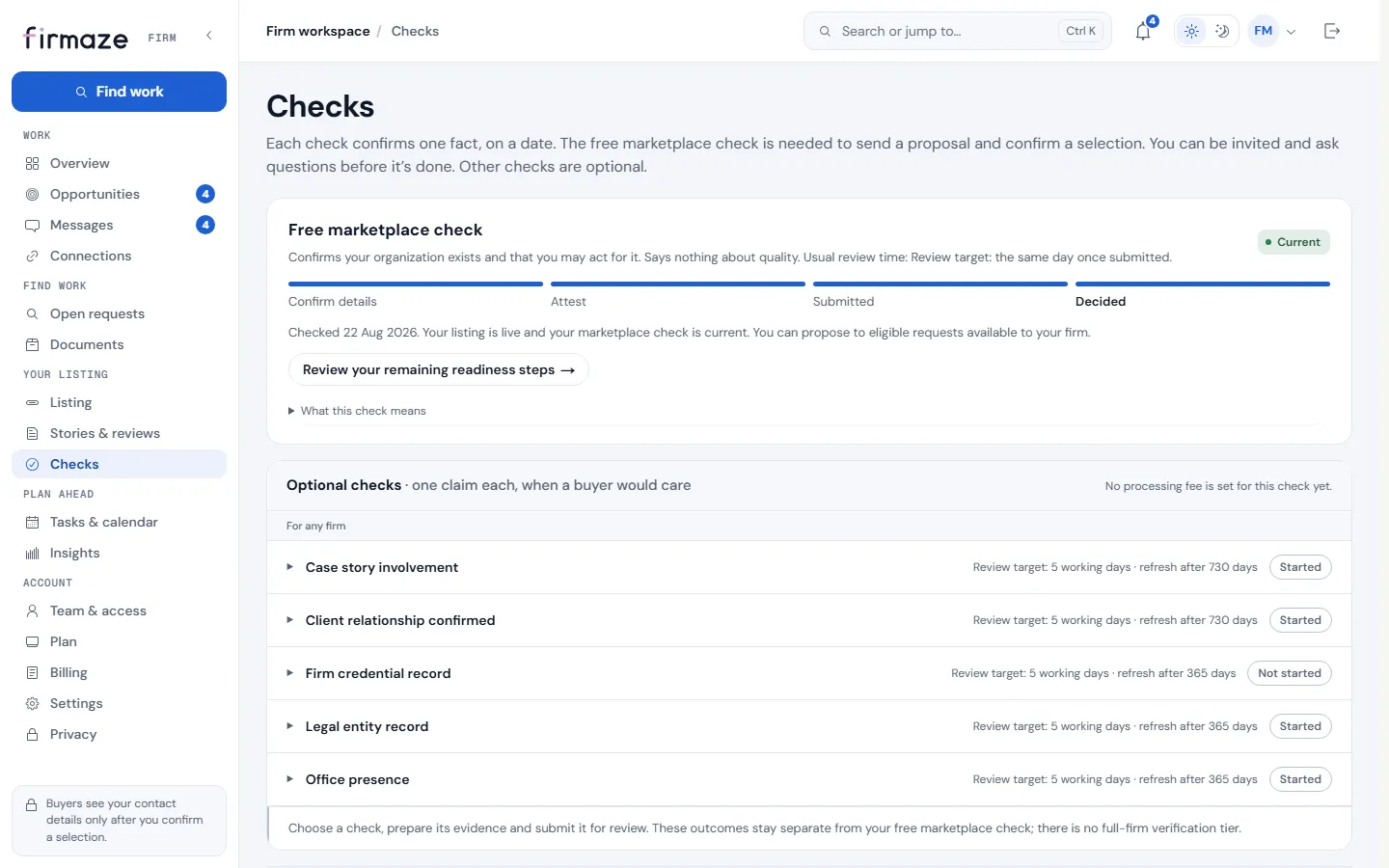
Optional checks each confirm one claim a buyer might care about — a legal entity record, an office, a client relationship. They appear on your profile as separate facts with dates. There is no full-firm verification tier, and none can be bought.
4. Answer invitations well
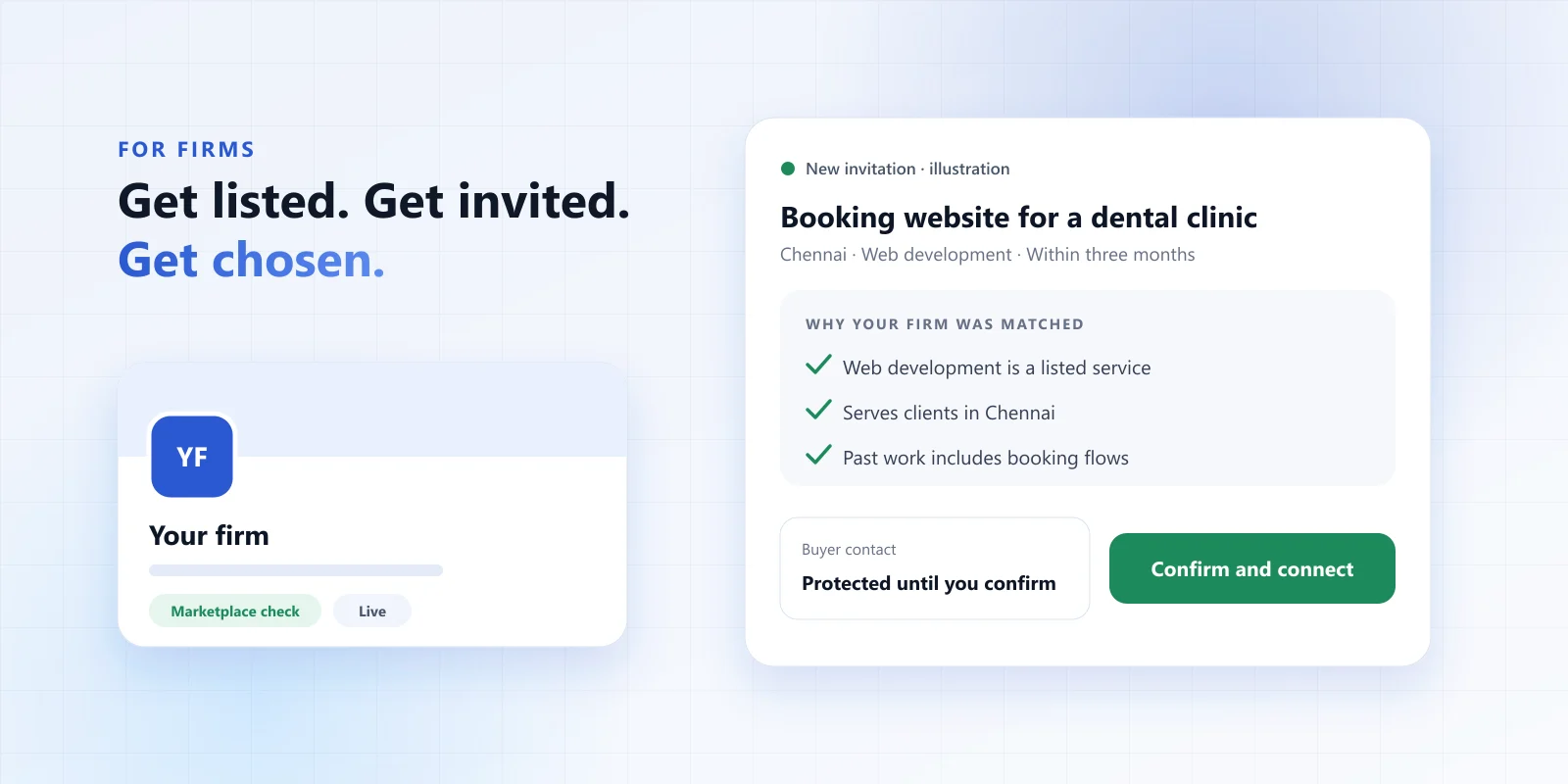
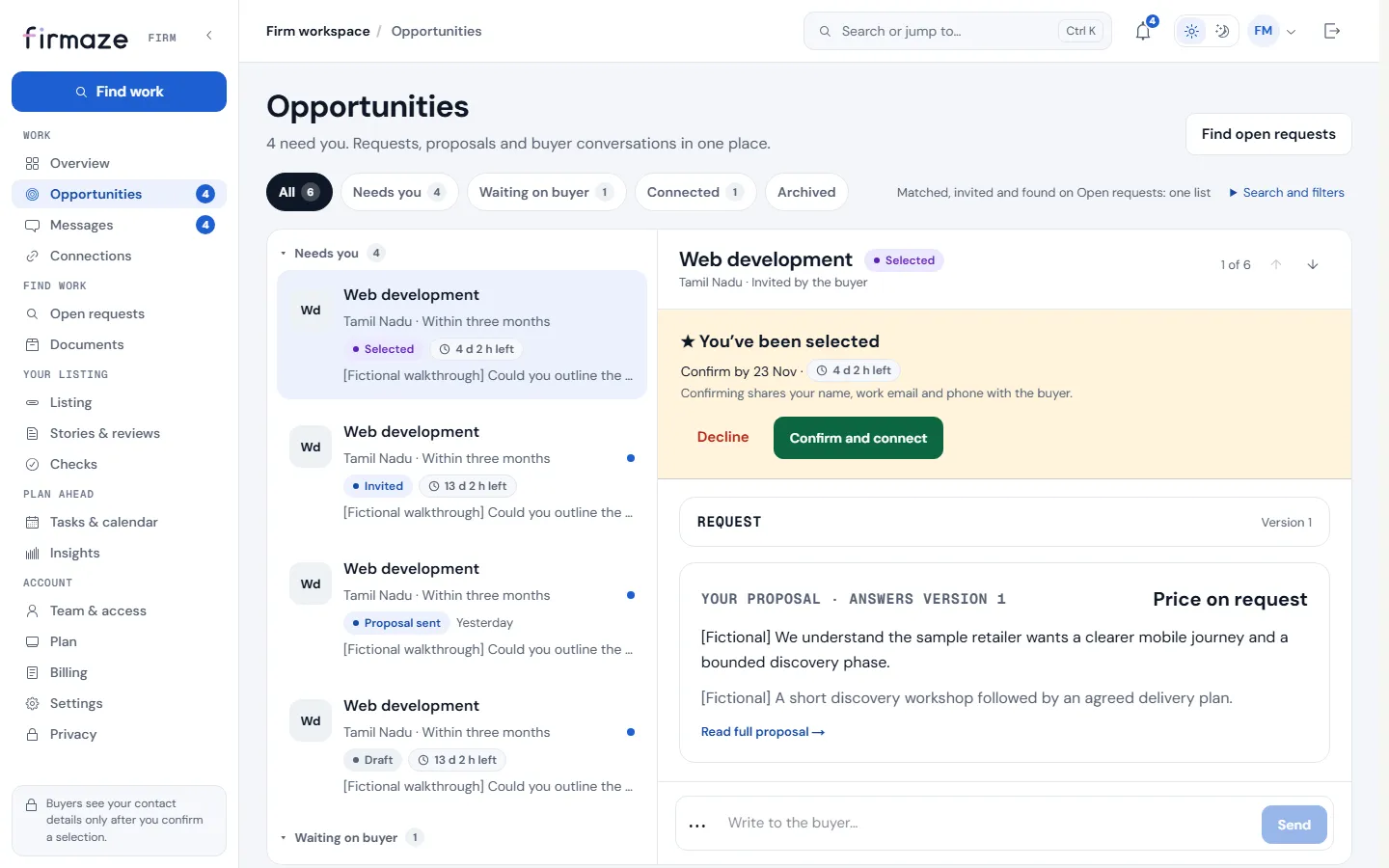
When a buyer invites you, the opportunity shows why your firm was matched and what the buyer asked for. Ask questions if the brief is unclear; a good question is often the first sign of a good firm. Then write a proposal in the structured format — price, timeline and approach — so the buyer can compare it fairly.
What makes a proposal stand out
- It restates the buyer’s outcome in your own words, so they know you read it.
- It is honest about price — a range with what moves it beats “price on request”.
- It names who will do the work and what happens in the first two weeks.
- It answers the question the buyer did not ask but will.
5. Find work on the open board
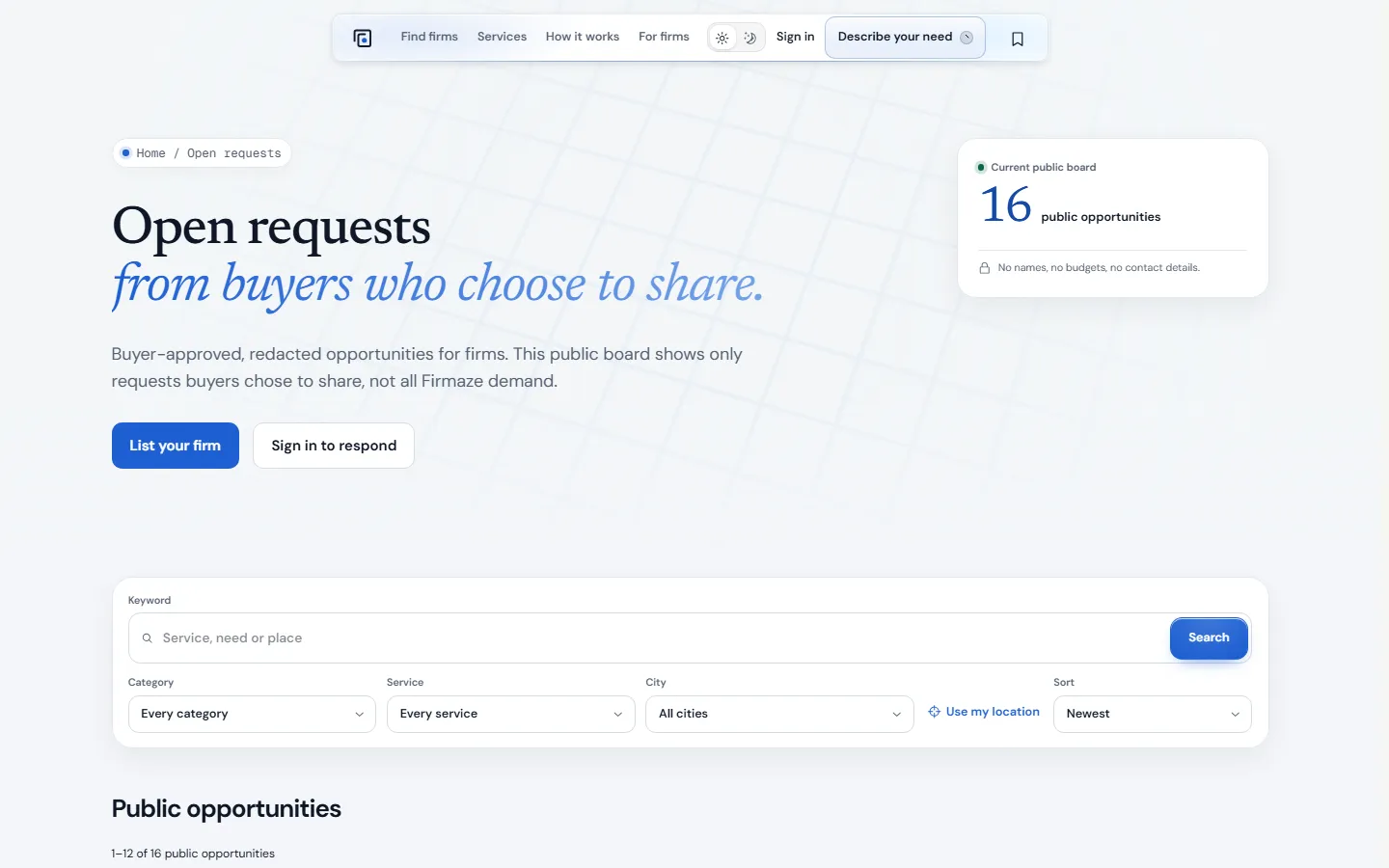
Some buyers choose to share their request publicly. Open requests lists those, redacted: no names, no budgets, no contact details. Respond from your workspace and the request joins your opportunities.
6. When a buyer selects you
A selection is the buyer’s consent to connect. You have five days to confirm. Confirming shares your name, work email and phone with the buyer, and theirs with you. Connections are free for firms for now. If the buyer chooses another firm, your opportunity is archived as not selected — no awkward chasing either way.
What can’t be bought
Plans and payments never influence matching, ranking, invitations, proposals or check outcomes. The firms that do well on Firmaze are the ones whose listings say clearly what they do, and who answer the work in front of them.
A quick checklist
- Publish your free listing with the services you want to be matched for.
- Complete the free marketplace check.
- Add a logo, a cover and a clear description.
- Answer invitations within a day or two, with questions or a proposal.
- Confirm promptly when a buyer selects you.
Ready? List your firm for free — it takes about five minutes.